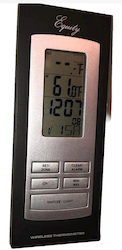
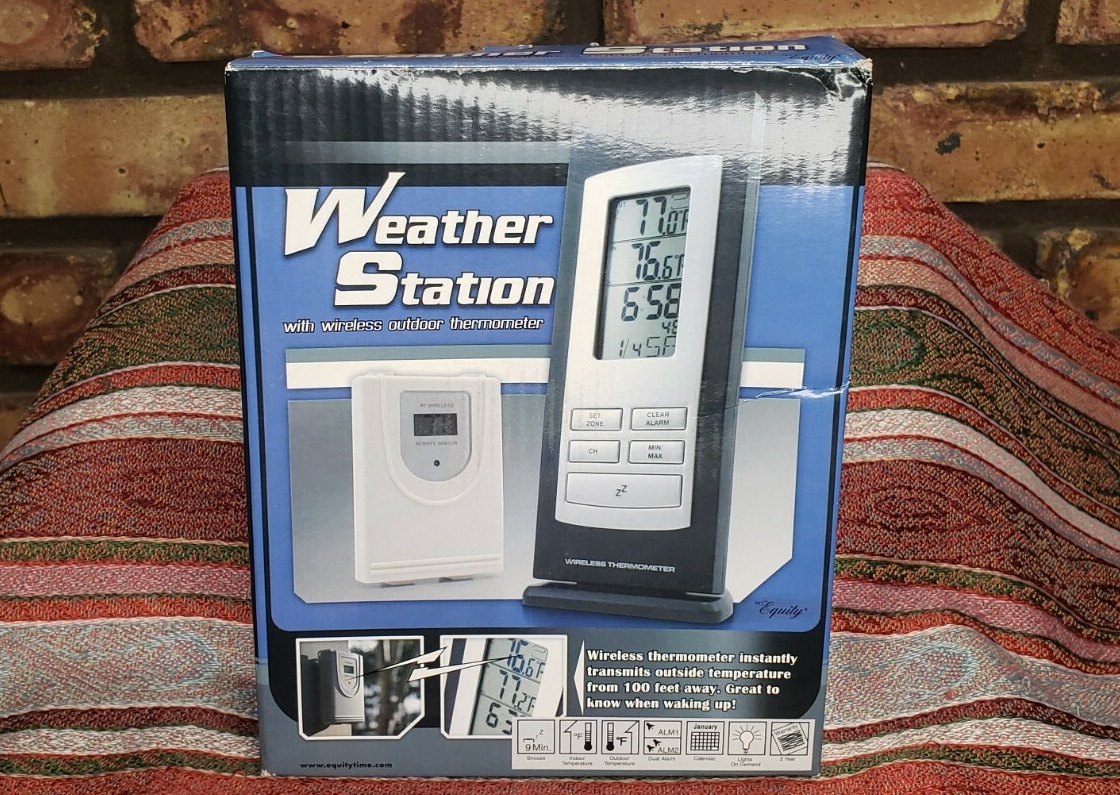
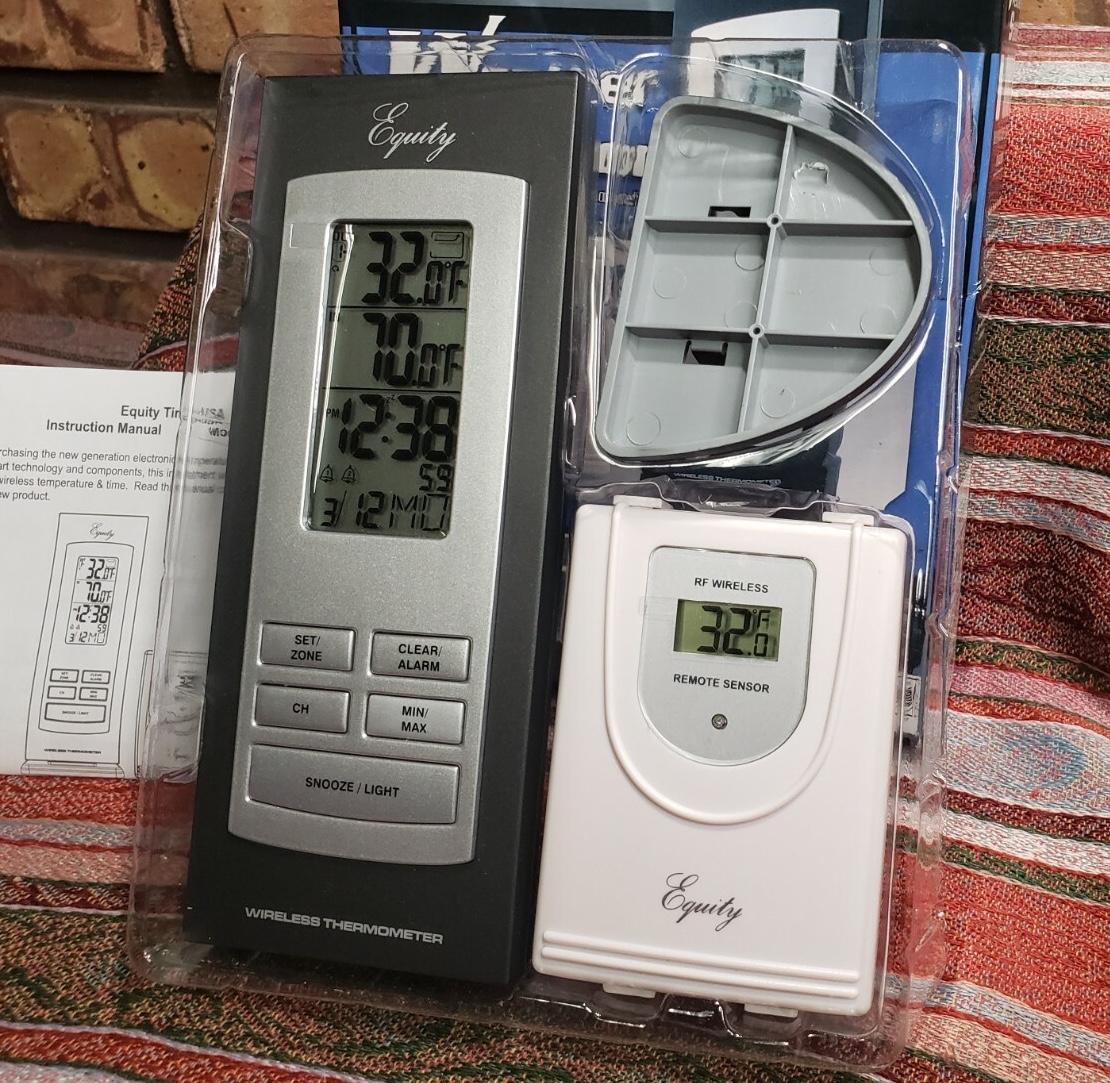
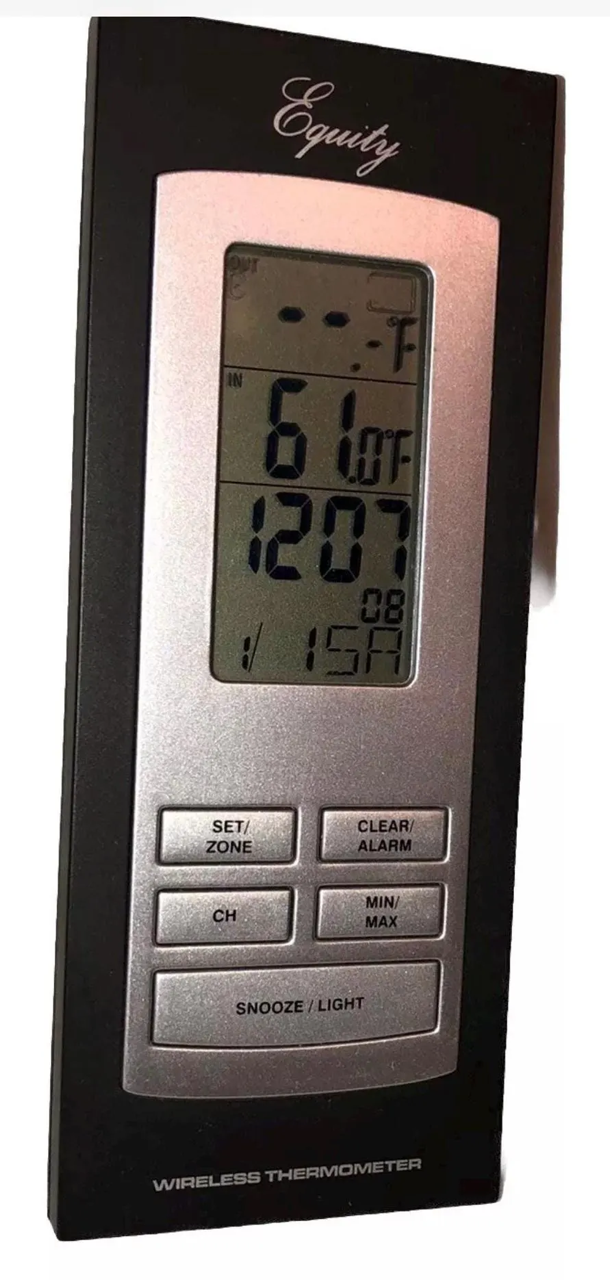
set alarm time:
- hold [CLEAR/ALARM], wait for a bell to flash
- press [+] or [-] to select alarm 1 or 2
- press [CLEAR/ALARM] (hour will flash)
- press [+] or [-] to set hour
- press [CLEAR/ALARM] (minute will flash)
- press [+] or [-] to set minute

enable/disable alarms:
- press + or - to select no alarm, 1, 2, or both

change outdoor thermometer channel:
- press [CH] to change between 1, 2, and both

pair outdoor thermometer with indoor display:
- hold [CH], wait for temp to display "--"
- press [SNOOZE/LIGHT] to clear memory (display will switch to "--" not flashing
  and [CH] will not select a channel)
- move close to outdoor thermometer and wait for chime
- you may need to use [CH] to select just that channel if an unexpected other
  channel is detected